

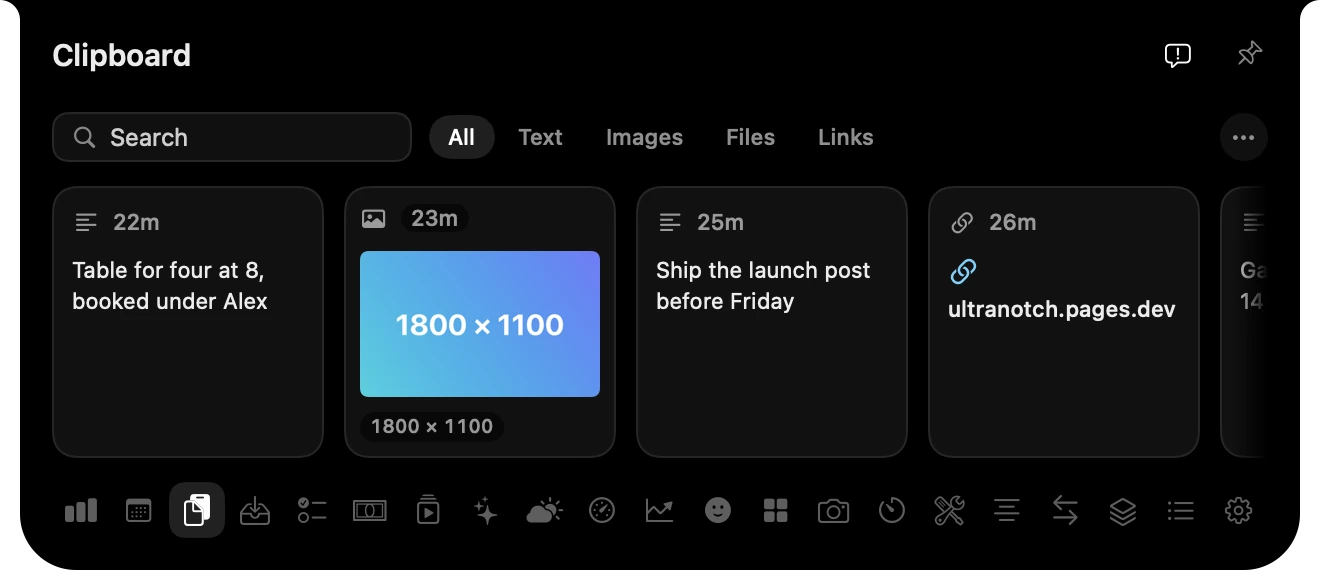
Clipboard history
Everything you copied, searchable, including pictures, files and links.
Everything you keep checking, one glance up.
Music, your day, AI limits, sales and views live in your Mac’s notch. Point at it and it opens. Move away and it’s gone.

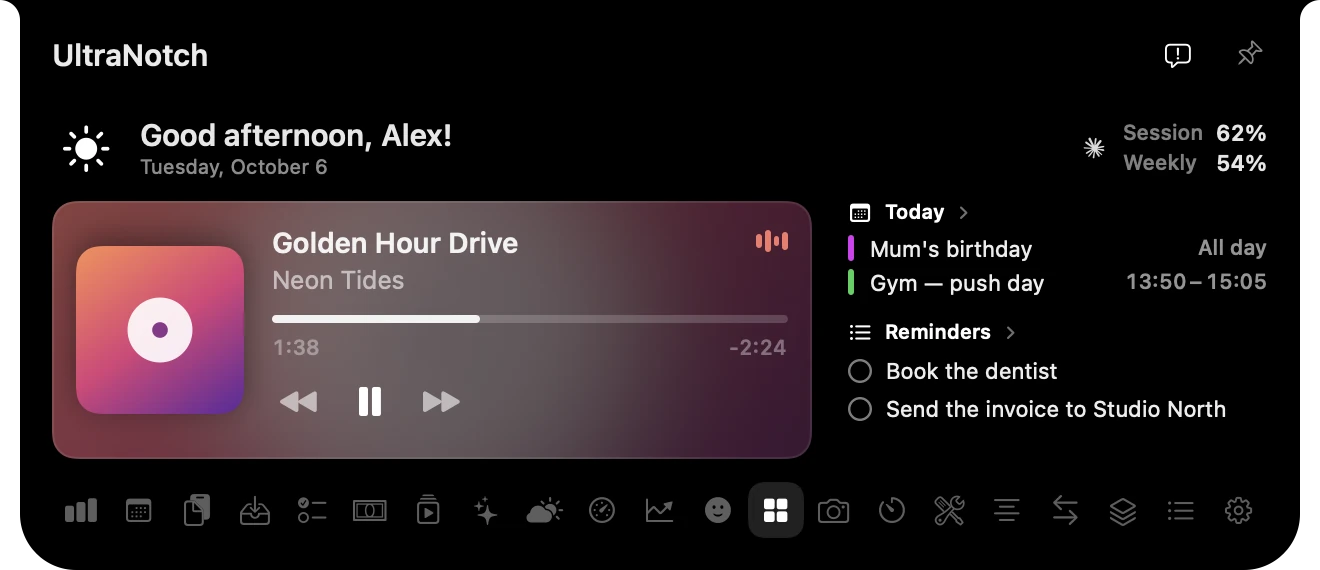
When something happens, the notch grows just enough to tell you, then settles back into the bezel.

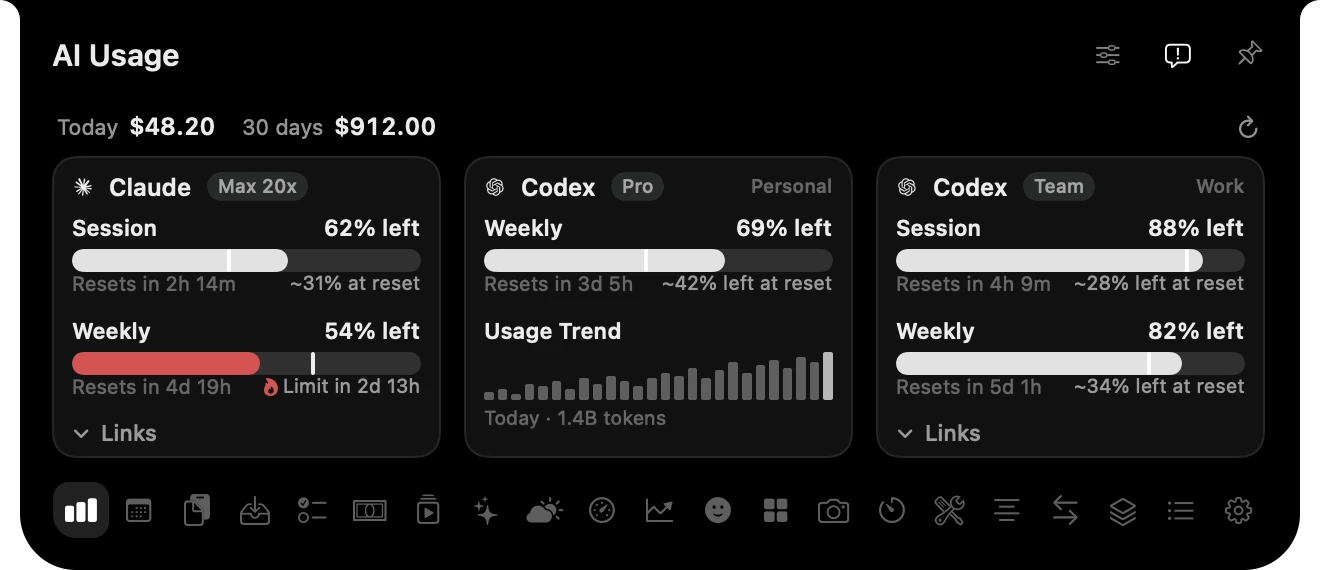
UltraNotch reads the Claude and Codex sign-ins already saved on your Mac, once you allow it, and shows every account’s session and weekly limits. It warns you when you’re on pace to run out, and adds up what today’s usage would cost.
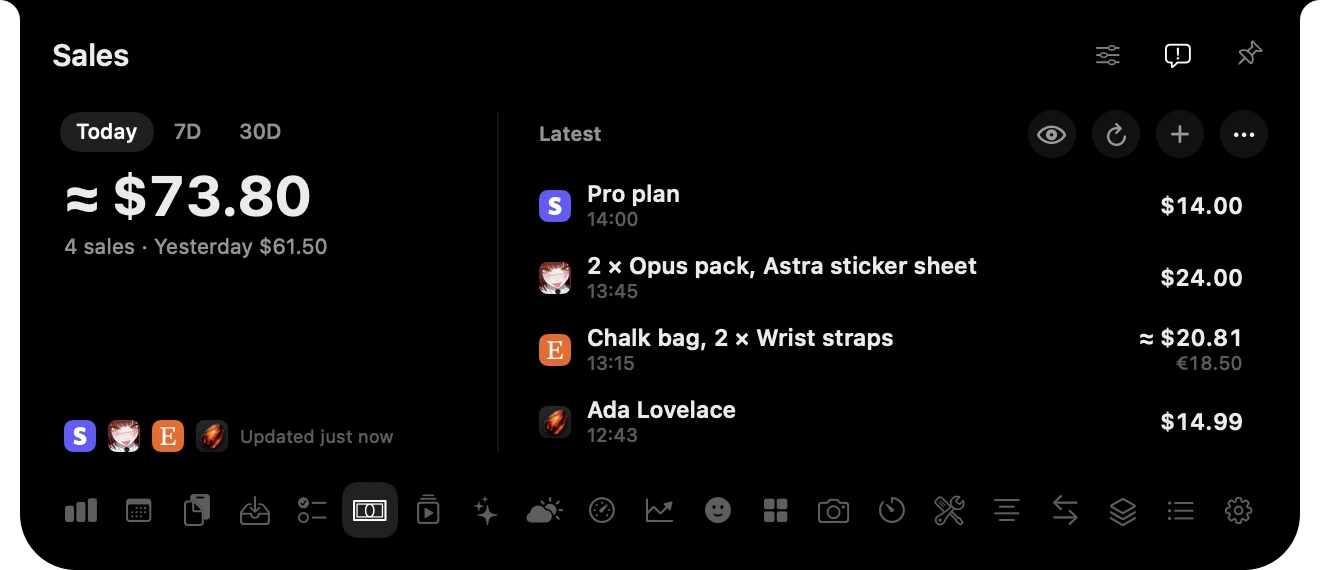
Connect Stripe, Shopify, Etsy or your own shop. New sales show up in the notch with what was bought and for how much, along with a chime you can turn off.
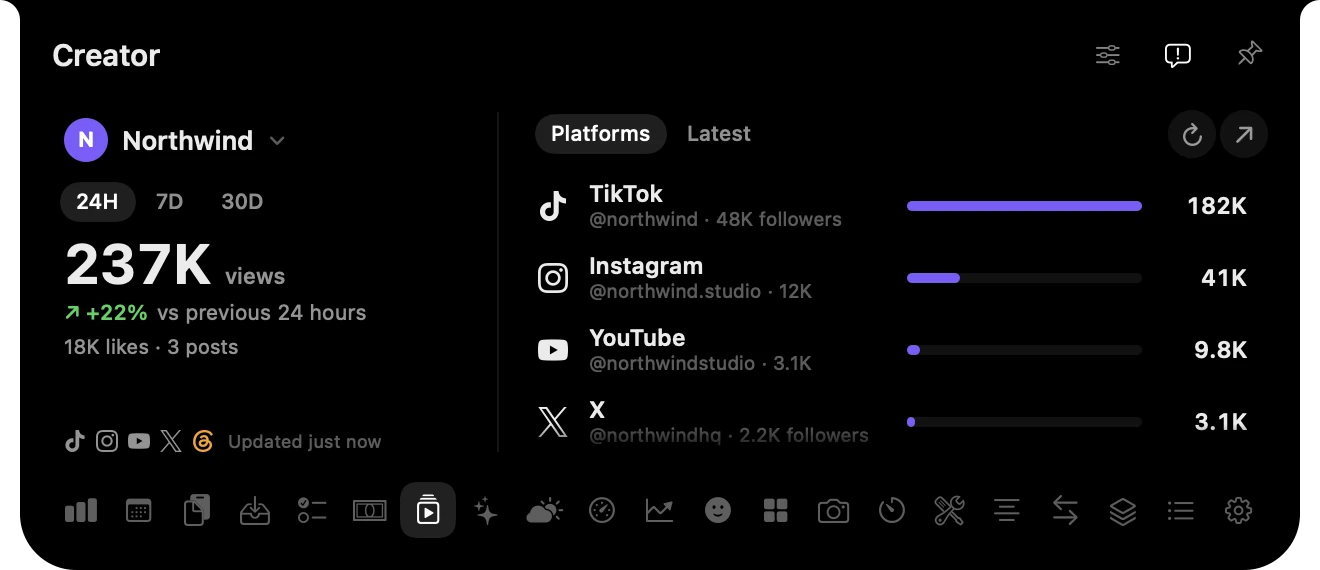
See a day, a week or a month of views across TikTok, Instagram, YouTube, X and Threads, against the period before. Run more than one brand? Switch between them in a click. Views come from your accounts connected in Tracer.
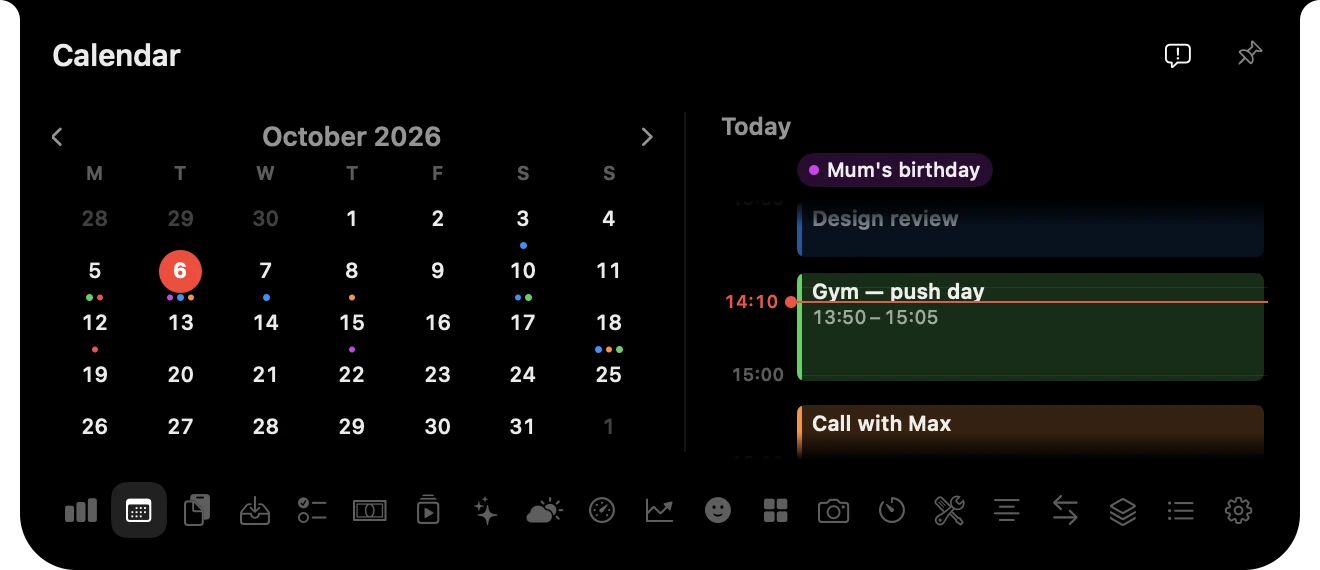
Today’s events sit on a timeline that opens at the current time, with a line showing where you are, right beside the month.
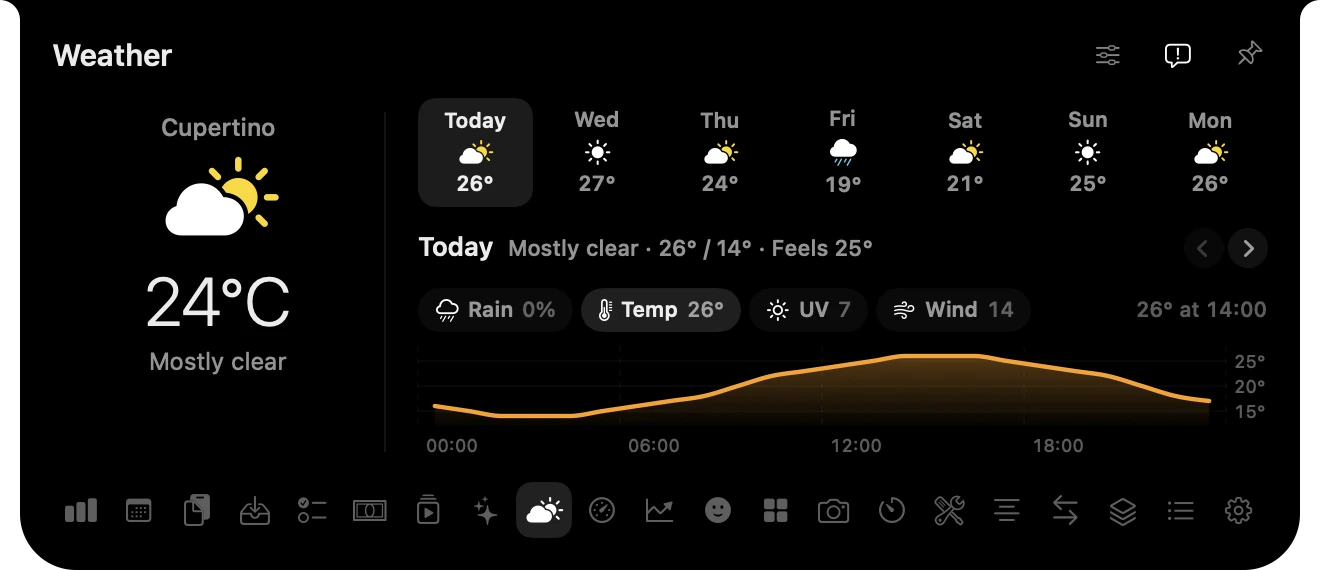
Temperature, rain, UV and wind, graphed hour by hour for the next seven days. Point at the graph to read any hour.
Everything you copied, searchable, including pictures, files and links.
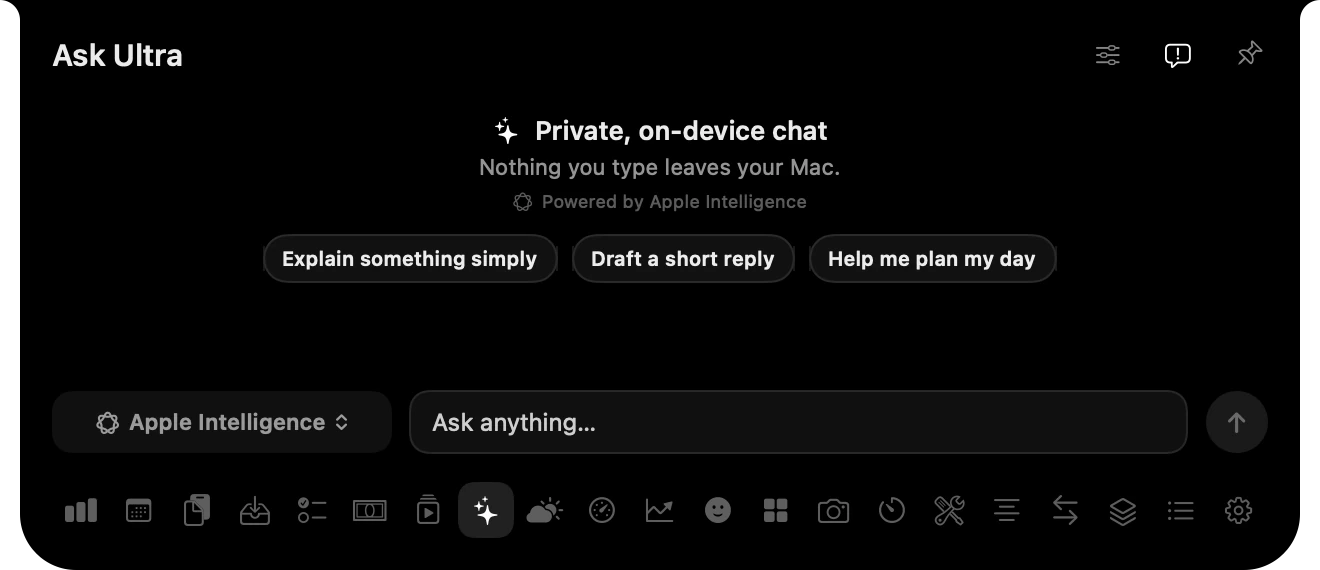
Chat on device with Apple Intelligence, or with ChatGPT and Claude models.
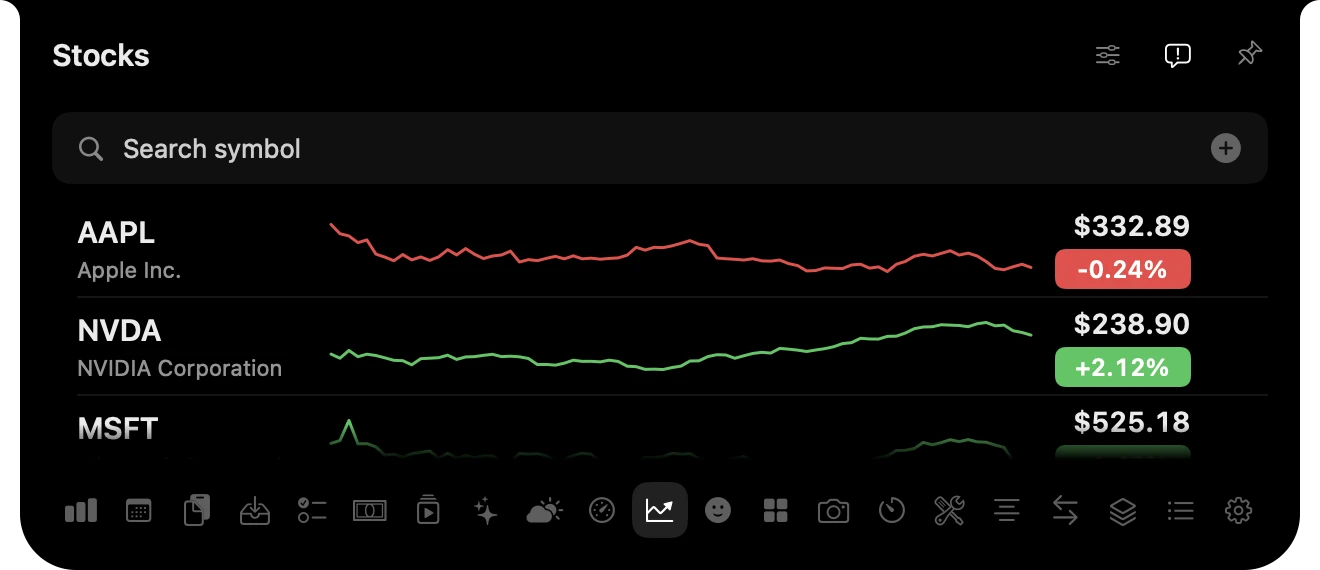
Your watchlist and holdings as percentage change, never balances.
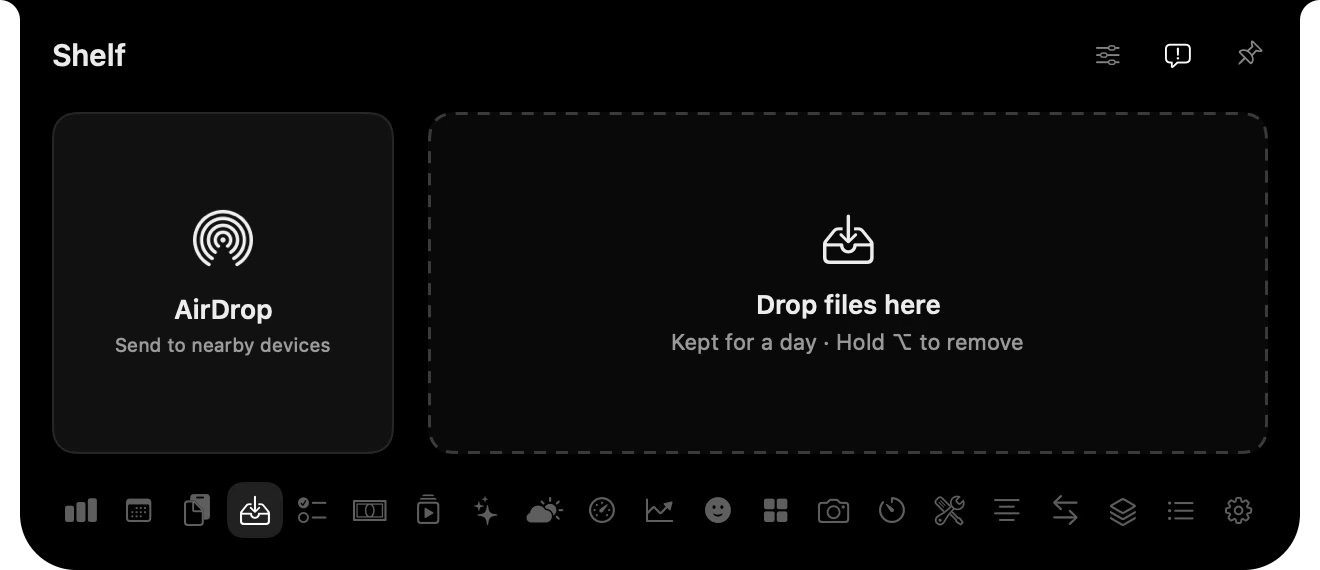
Drop a file on the notch to keep it for later or send it with AirDrop.
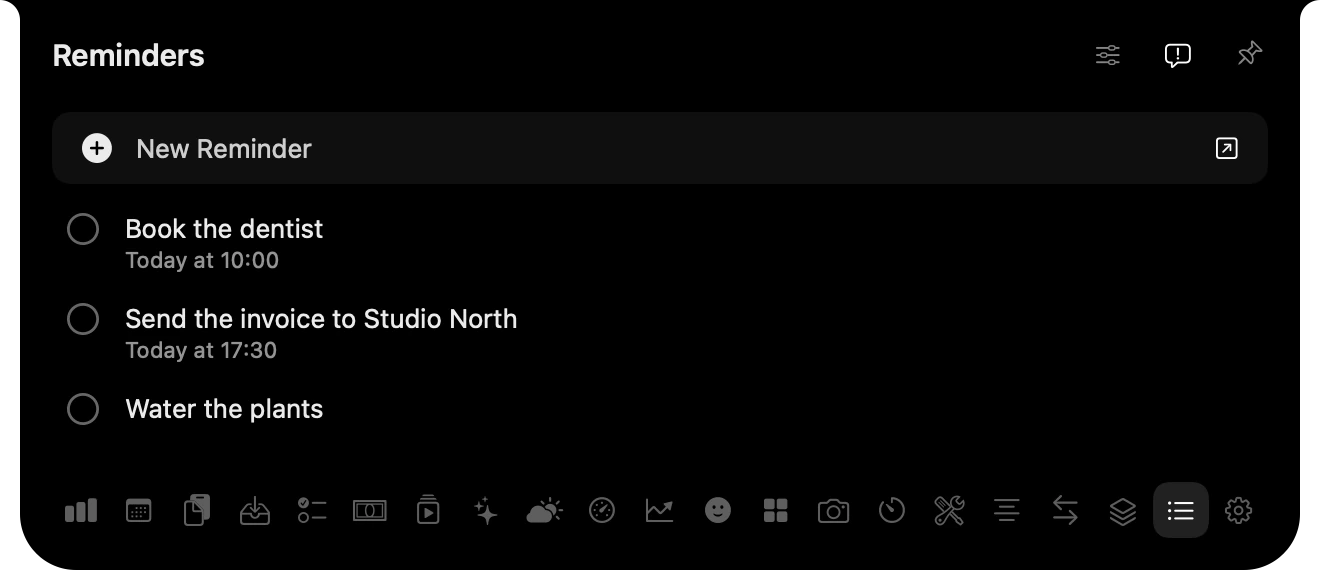
From the Reminders app, or from a plain Markdown task list you already keep.
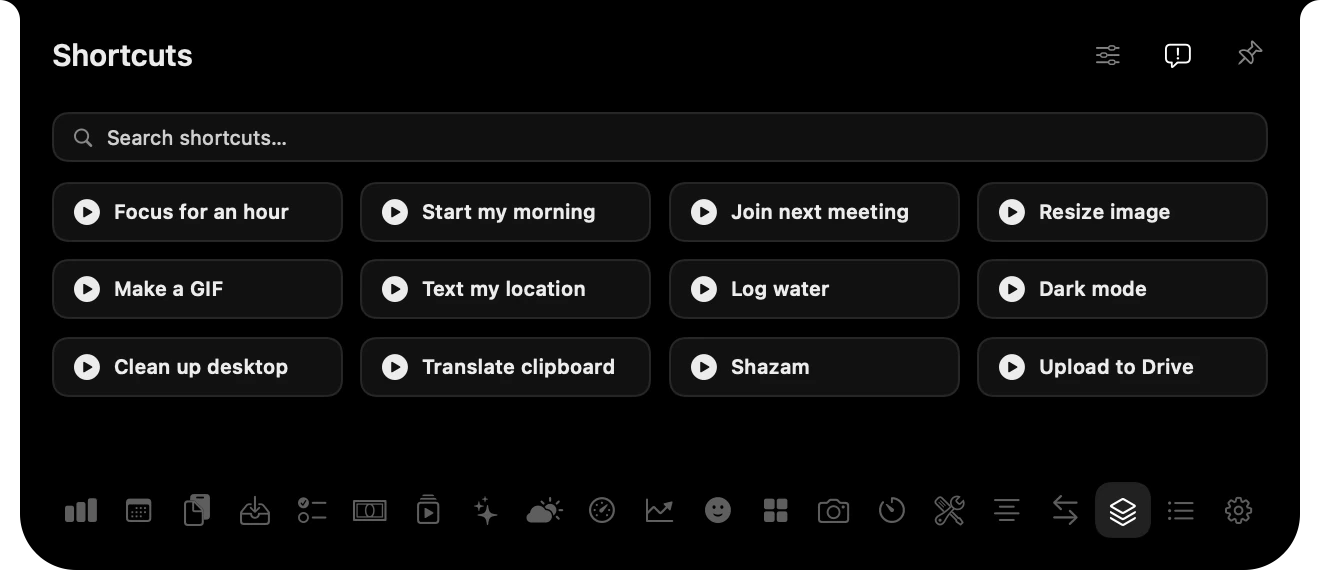
Run the shortcuts you choose, without opening the Shortcuts app.
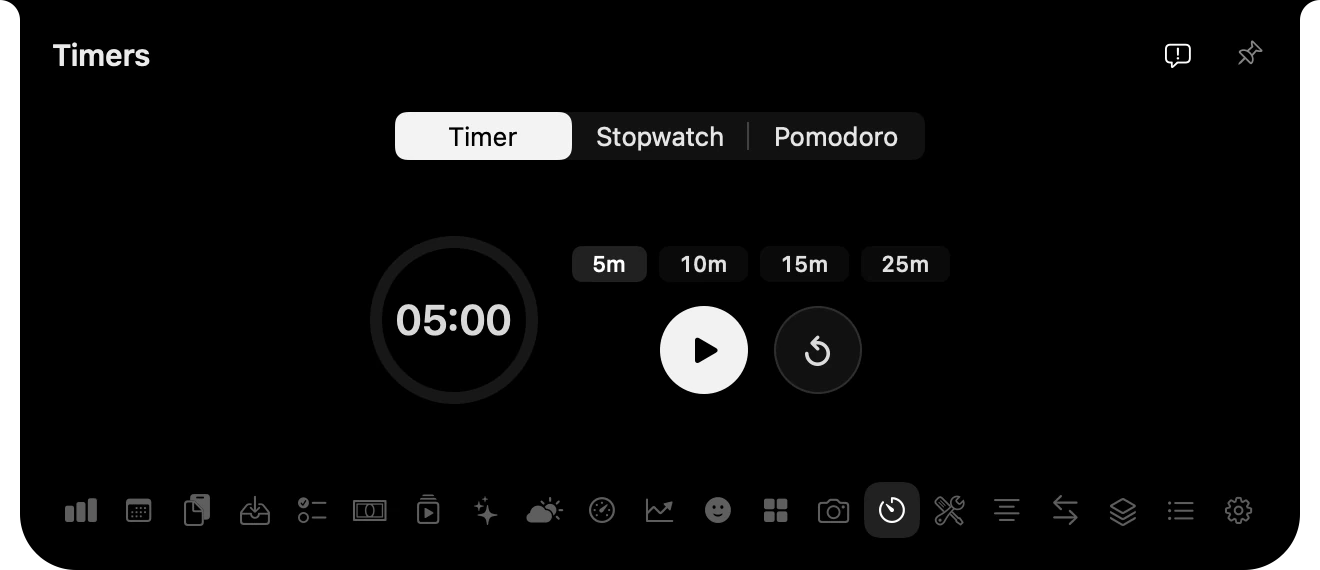
A timer, a stopwatch and Pomodoro, counting down beside the notch.
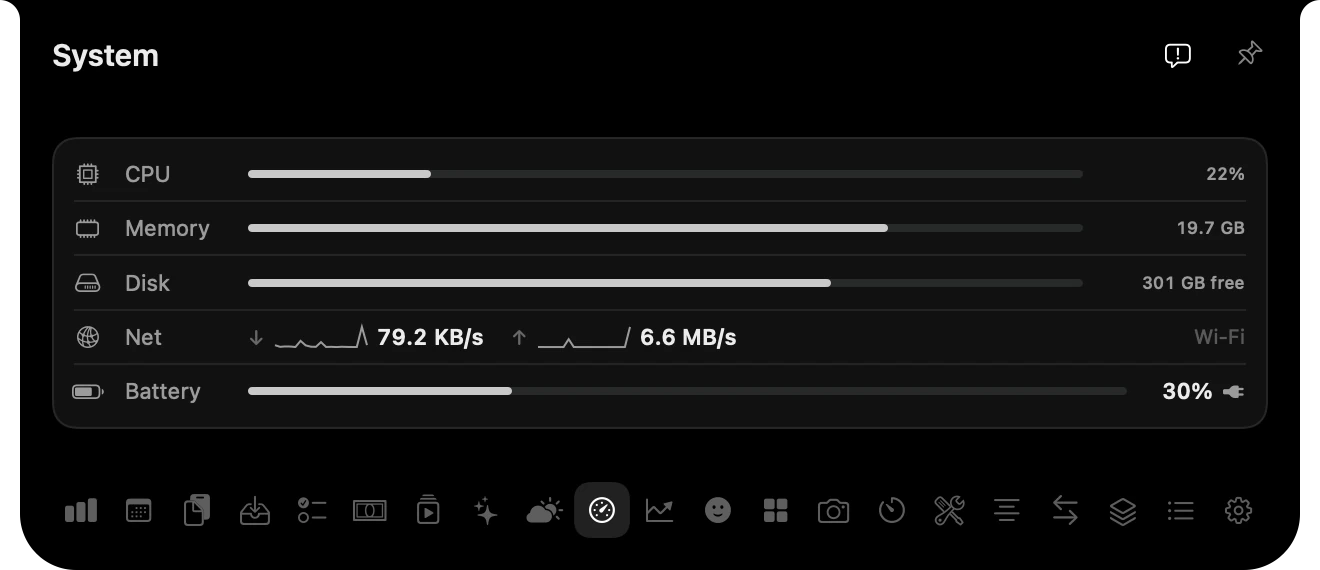
CPU, memory, disk, network and battery at a glance.
Also inside: a camera mirror, a teleprompter, quick notes, unit conversion and an emoji picker.
There’s no UltraNotch account, no analytics and no ads. Sign-ins and API keys stay in your Mac’s Keychain, and macOS asks you before UltraNotch reads one saved by another app. Each feature talks only to the service it needs, like your AI provider, your store or the weather service. Ask Ultra can answer entirely on device with Apple Intelligence.
Coming soon for Mac.
Requires macOS Sonoma 14 or later.